One tap.
The door is open.
Portik unlocks the doors where you live or work. The doors you use sit in a list on your phone, and one tap is enough.
Needs an account in an Aptus passage system.

Free to download and try for seven days.
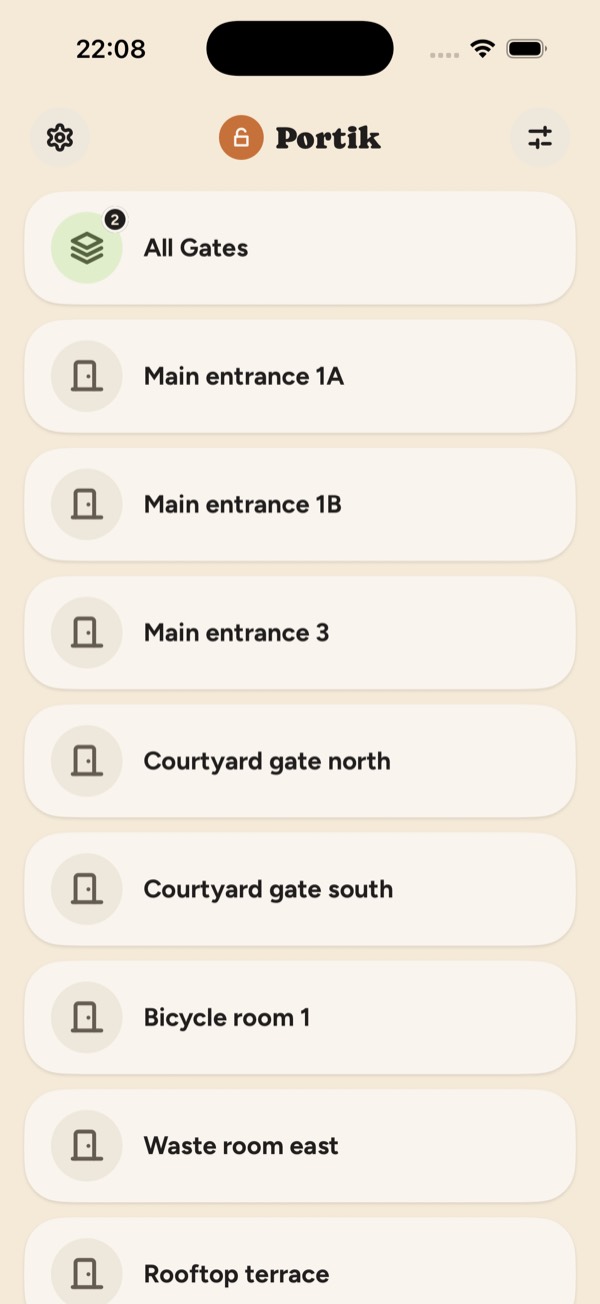
The portal you already have, without the detour
If your building uses an Aptus passage system, you open the door by signing in to a portal in a browser, or by finding the door in the Aptus Home app. Portik replaces one thing in that chain: opening the door. Same account, same portal, but the list is already there and the tap is one.
The list is yours
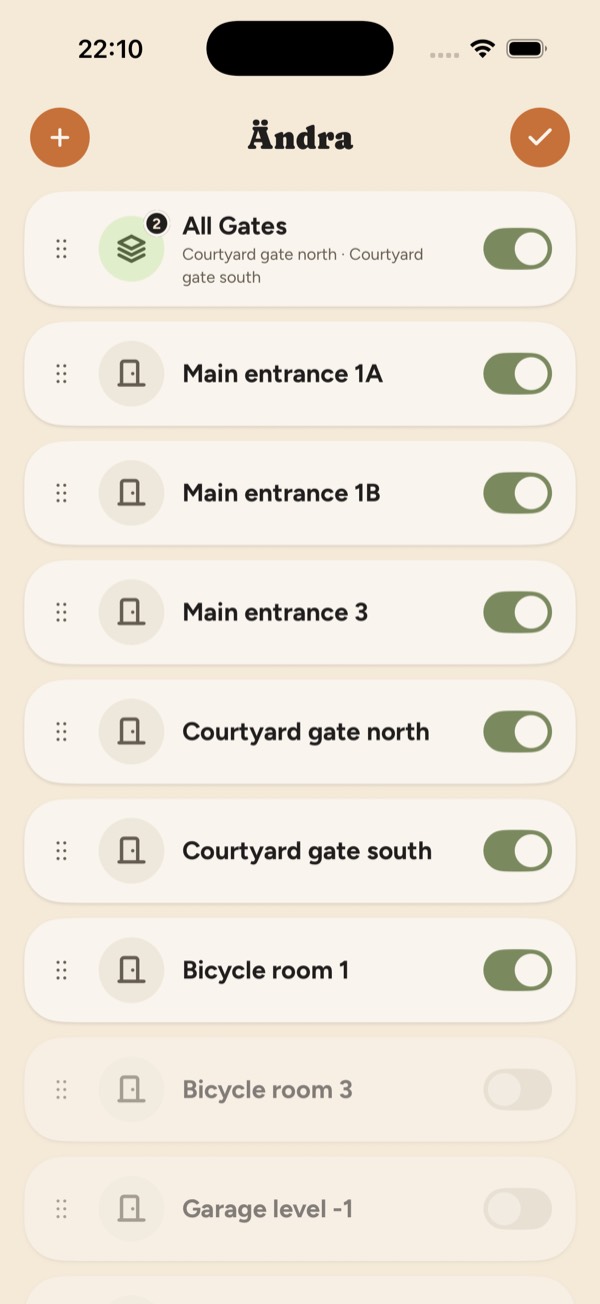
Choose which doors appear and drag them into the order you want. The door you use every day ends up at the top; the basement door you open twice a year need not appear at all.
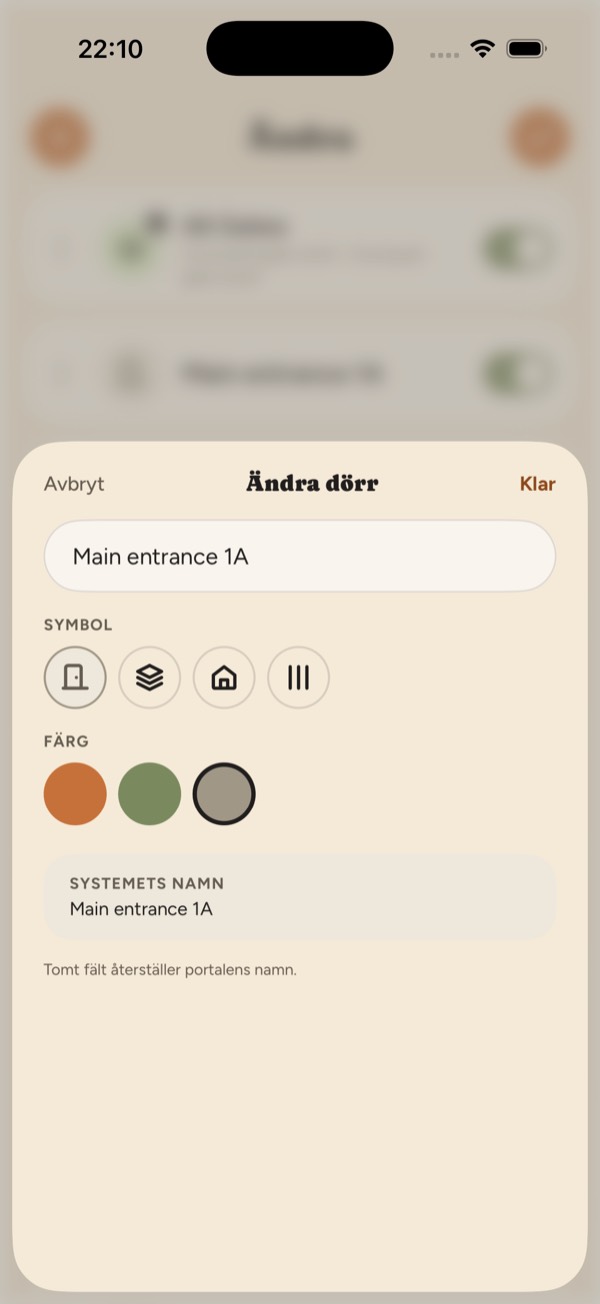
Name, symbol and colour
The names in the portal are rarely the ones you use. Rename the doors, change their symbol and colour and let the list look the way the building looks in your head.
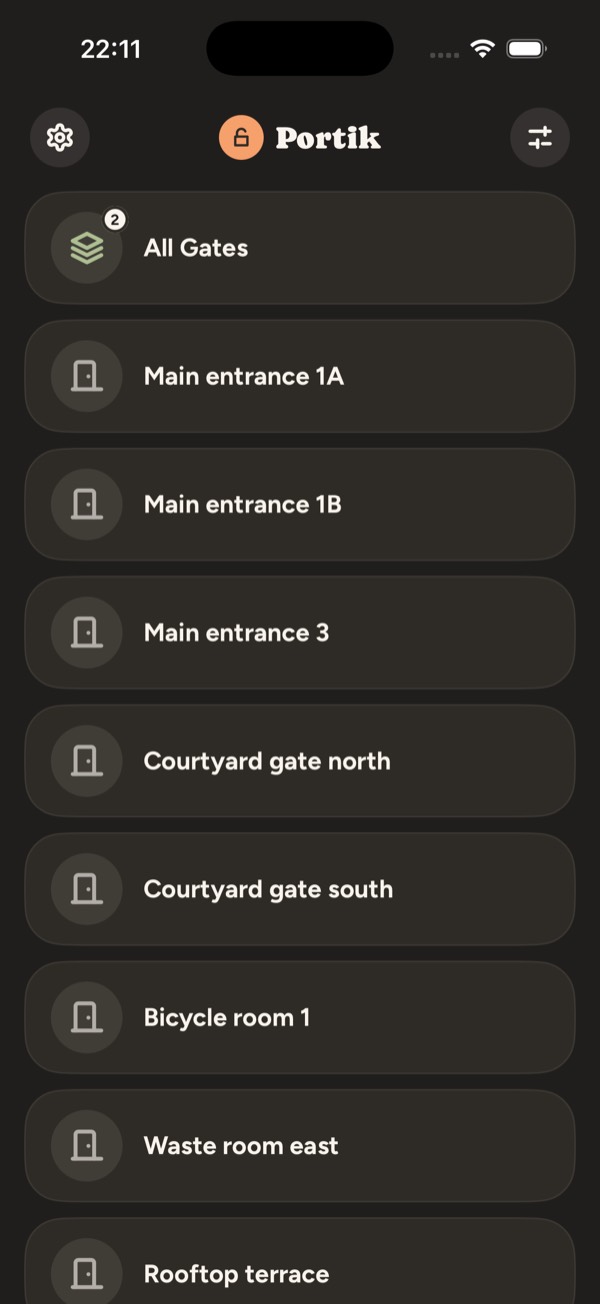
Light and dark
Follows the phone's appearance, or stays on the one you choose. Large, clear tiles that hold together at bigger text sizes. Norwegian, Swedish and English.
Groups
Put several doors in a group and open them all with one tap. Useful when the way in runs through both a street door and a stairwell, or when the bicycle goes through the gate and the store room.
On the Home Screen
Put the doors you use most in a widget. The door opens without the app starting at all, and without you looking for it.
Nothing is collected
Portik has no server and no account. Your details sit in the iOS keychain on the phone, and the app talks only to the portal address you type in yourself. No analytics, no tracking.
Getting started
- Take the address of your passage system, the same one you use to sign in through a browser or in Aptus Home.
- Sign in with your usual portal account.
- The doors you have access to land in the list straight away. From there you can hide the ones you don't need, change their order and gather several into a group that opens with a single tap.
To see how it works without a system of your own, there is a demo portal at portik-demo.zerolabs.se. It behaves like a real portal and opens no doors.
Where the app is
Portik is in the App Store. Free to download and try for seven days.